


Cat Invaders
Arcade shooterA feline fleet descends. Hold the line.
Arrows · Space · P · Touch
Play now

Something rare is loading.
0% · summoning #001
#006 · Systems Architect · Rare · AKASHA tenure, 2021 to 2026
A guided tool that turns a developer-only world configuration into something a community manager can create, review and publish, without hiding the decisions that matter.
Lead Product Designer · AKASHA FoundationThe whole product surface: information architecture, the step-by-step forms, validation, the Build Preview and the Dashboard, iterated with engineering every sprint against the real data model.
EvidenceA world configured, previewed and saved to decentralized storage with no code. Shipped in AKASHA Core, where the source is public.
An illustrative run of AKASHA World Builder, not connected to any deployment service. On the left, the shipped World Builder flow: a world named Cat World gets an icon and an instance URL, the World Configurator keeps the default three-column layout, four extensions are added (Authentication, Antenna, Vibes and Featured Topics) and Antenna becomes the homepage. On the right, a preview of the World responds to each change: its name and icon, a sidebar that follows the order the extensions were added, the Featured Topics widget and the Antenna feed. The scene ends on the Dashboard's World Preview, the step that shows the result before deployment.
The chapter media below carries the evidence.
A world was a hand-edited configuration file plus a registry file, so only a developer could create or change one, and a mistake only showed when the world failed to load.
Turning that file into four short forms grouped by decision, preventing the common mistakes before they happen, and a Build Preview before anything is shared.
Create, Configure, Customize, a Dashboard that reads the configuration back, and a Preview that opens the world with it. In the AKASHA World extensions registry today.
A developer-only configuration file became a guided product a community manager can finish in minutes.
An AKASHA World is an instance of AKASHA Core: a shell, a homepage app, an extensions app and a set of installable extensions. All of it is described by one configuration object. Before World Builder, that object only existed as code.
This is the shipped configuration of AKASHA World itself, from the open-source repository. Every key on the left became a field on the right. Nothing was dropped; the technical choice is still the user's, it is just asked in plain language.
export const akashaWorldConfig: WorldConfig = {
  title: 'AKASHA World',
  worldIcon: { basePath: '/icons/world/', ... },
  layout: '@akashaorg/ui-widget-layout',
  homepageApp: '@akashaorg/app-antenna',
  extensionsApp: '@akashaorg/app-extensions',
  defaultApps: [
    '@akashaorg/app-vibes',
    '@akashaorg/app-auth-ewa',
    '@akashaorg/app-profile',
    // '@akashaorg/app-world-builder',
  ],
  socialLinks: [{ icon: 'Github', link: '...' }, ...],
};
registry-overrides.ts: one entry per extension, with the URL its bundle is served from. Also edited by hand.
A field is still a reference to a real extension on the network, so the options come from the registry, not from a list typed into the design. The name is immutable because it is the record's key. Saving writes to Ceramic, a public decentralized network, which is why the tool shows a preview before it asks you to commit, and why the Dashboard shows the World ID and links to the developer documentation instead of pretending the hosting step does not exist.
The flow is the recording, step by step. Each step saves its own record, so a world owner can stop after any of them and come back; the Dashboard shows what is done and what is still empty.
Install World Builder from Extensions, connect, read what it does and accept the terms.
World name, icon, instance URL and extension publisher.
Layout and extension app, then the extensions and the homepage.
Description, keywords, guidelines URL and social links.
The world opens in a new tab with the saved configuration loaded.
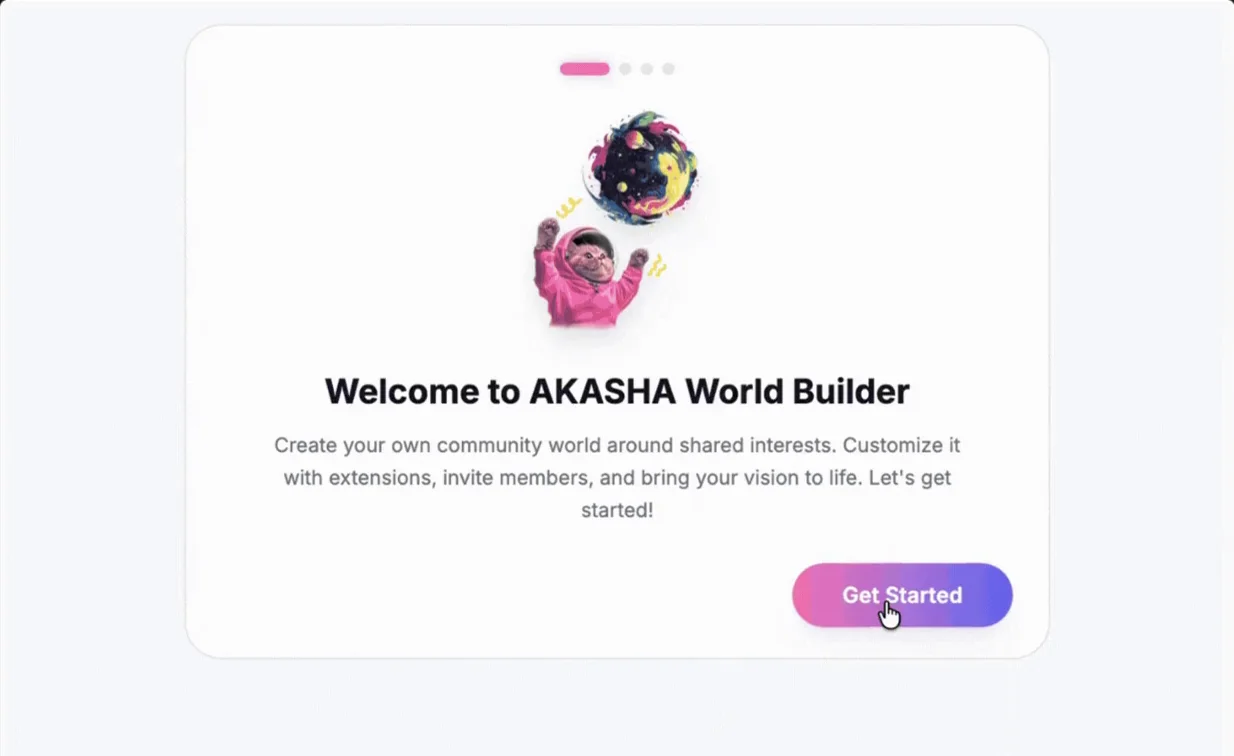 12
12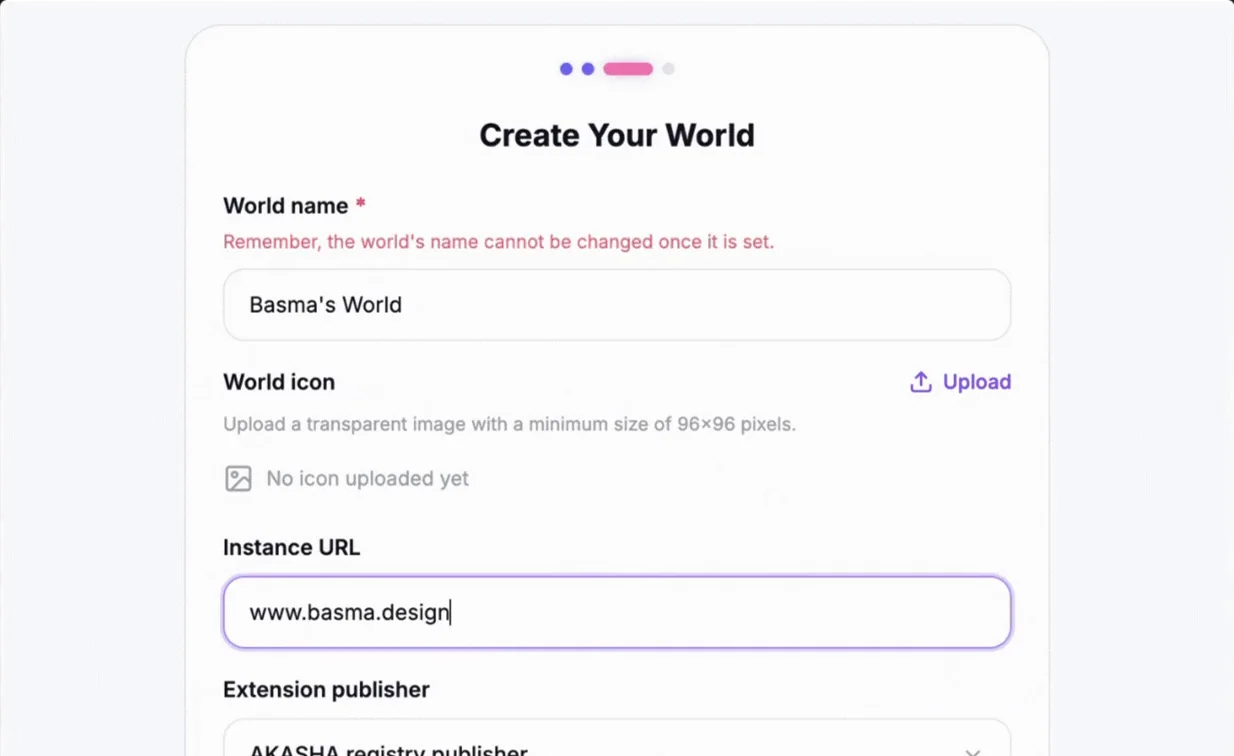 123
123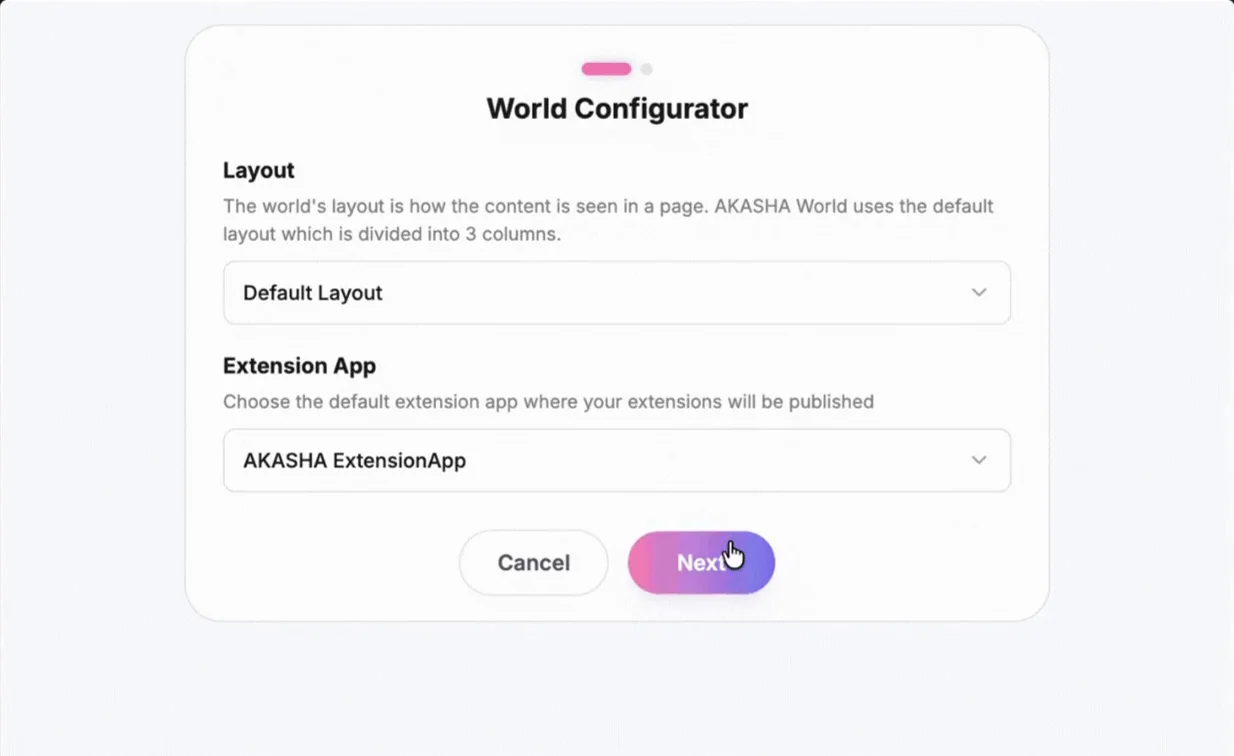 123
123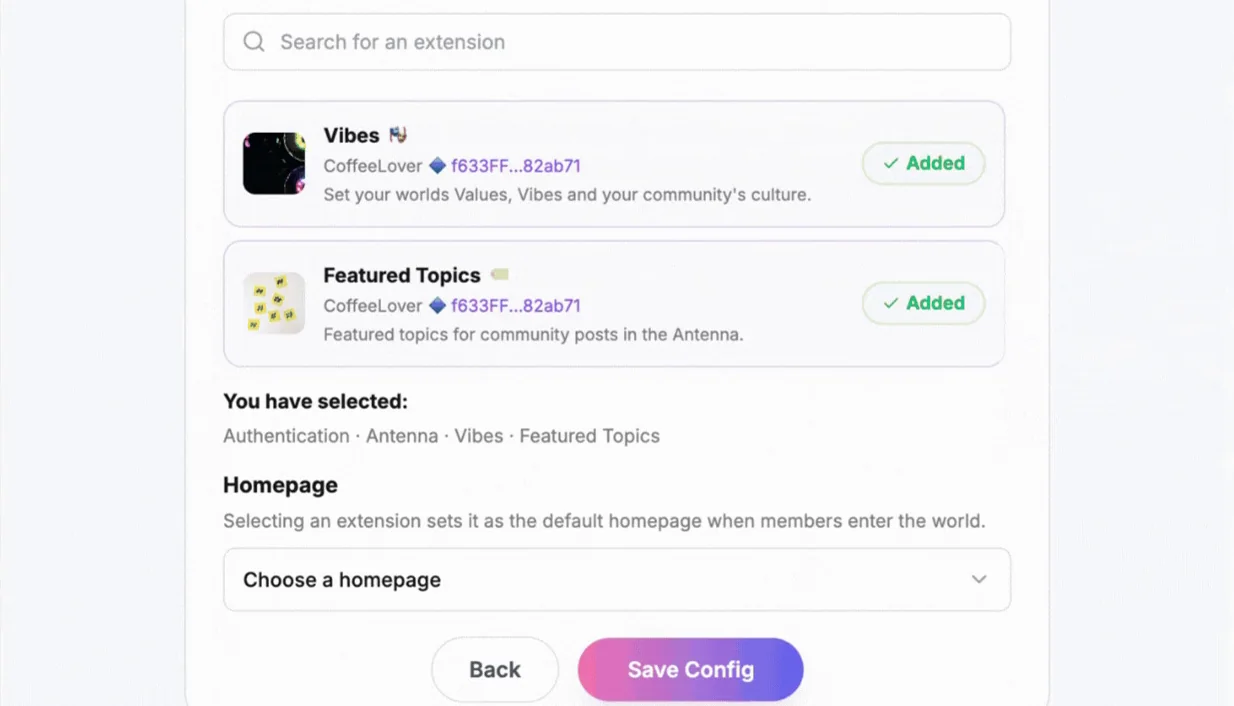 1234
1234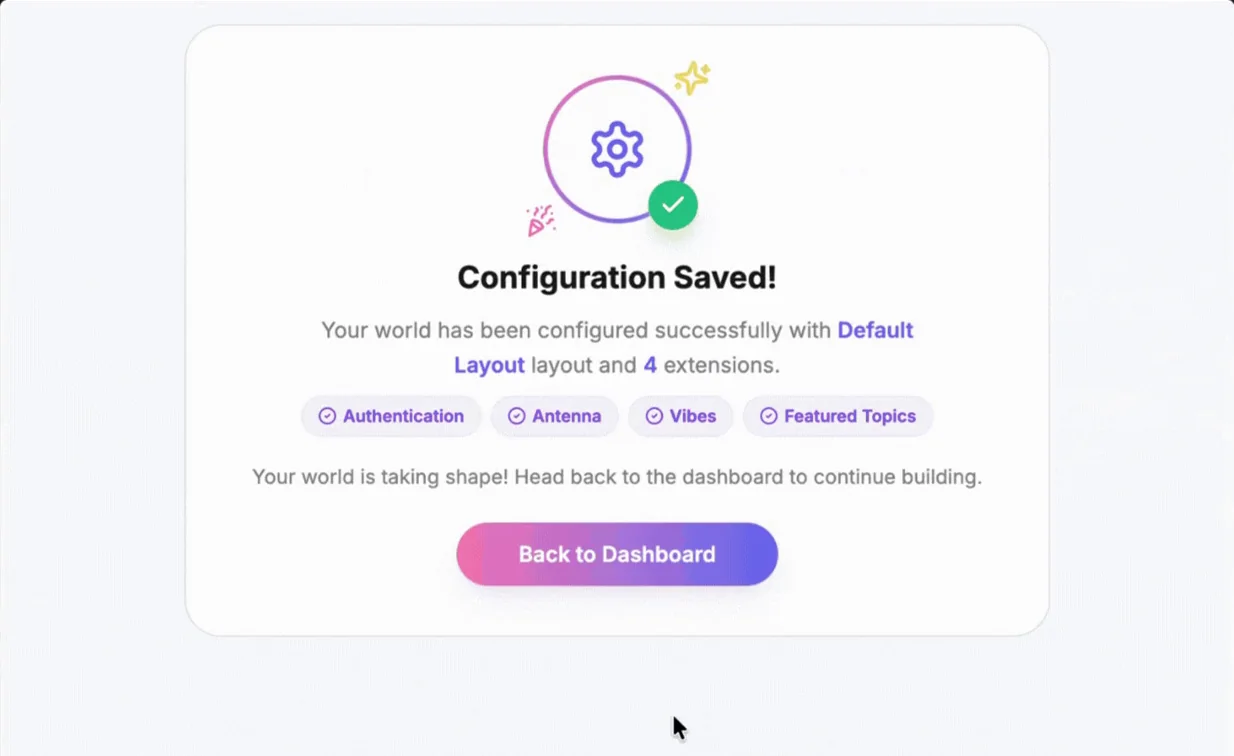 12
12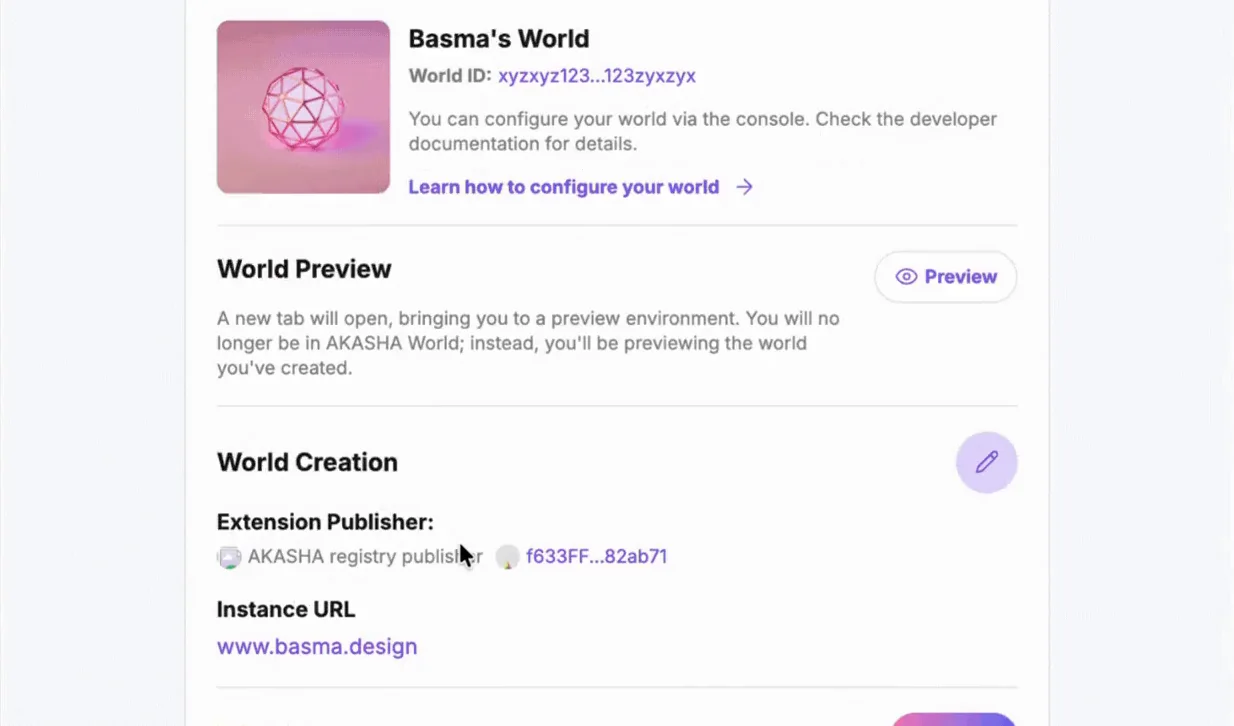 123
123The brief was to simplify without hiding. Each decision below removed a way to get it wrong while keeping the real choice in the user's hands.
The data lives in three Ceramic models (world, config, meta info) and a user does not think in models. Grouping by decision, who you are, how the world is built, how it presents itself, let each group be one screen with one job.
A community manager can read a step and know what it affects. Developers still find every model field, because the Dashboard reads them back under the same headings.
Creating a world and configuring it are different commitments. Create is the irreversible one (the name), so it is a short form by itself; Configure has two screens and can be redone.
You can stop after any step and come back. Every success screen offers Do it later next to the next step, and the Dashboard shows empty states for whatever is still missing.
A hand-edited file fails at load time. The form can fail earlier, or not at all.
Buttons stay disabled until the step is valid. The homepage list only contains extensions you added. Rules are stated up front (the name lock, the icon size, the URL format) and validated inline. The only toasts are for things that genuinely can fail: an upload or a save to the network.
The configuration is only real when a world loads with it. Reading a summary is not the same as seeing the sidebar, the homepage and the widgets it produces.
Preview opens the world in a new tab with the saved configuration applied. It is the does-this-look-right moment, and it sits at the top of the Dashboard, above the edit actions.
Saving writes to a public decentralized network, and hosting a world is still a developer step. Pretending otherwise would have been the kind of hiding the brief ruled out.
Success screens name what was saved. The Dashboard shows the World ID, says you can set up your own world from this configuration, and links to the developer documentation. The not-connected state says you must be connected before anything is created, and offers Connect.
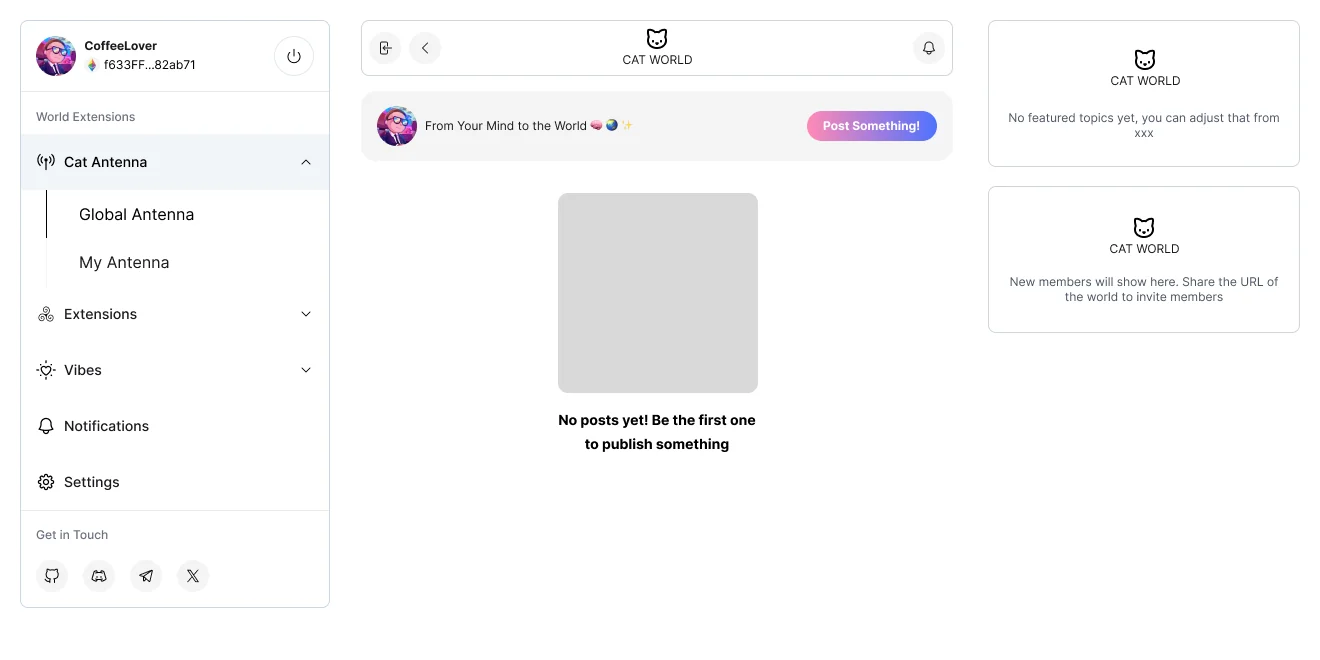
A world configuration is a set of references. The preview is the only place where those references turn back into a product: the sidebar lists the extensions in the order they were added, the homepage opens, the widgets render with the world's name and icon. Showing that before the configuration is shared is what let the tool stay honest about the system and still feel safe.
Each line carries its status: shipped in the app, designed into the flow, intended for the people it serves, or outside the tool's scope.
| Status | Claim | What that means |
|---|---|---|
| Shipped | A world configured and previewed with no code | Create, Configure, Customize, Dashboard and Preview are in the shipped app. The source is public in AKASHA Core. |
| Shipped | Configuration changes without a developer editing the codebase | What previously needed an edit to the config and registry files and a redeploy is a form a world owner fills in. |
| Designed | Error prevention over error reporting | Disabled states, inline rules and dependent options were designed to remove the common configuration mistakes before they happen. |
| Intended | Community managers and world owners as first-class users | Any connected account can create one world at a time, so community managers and world owners can set one up themselves. |
| Out of scope | Hosting a world | World Builder saves and previews a configuration. Running the world on a domain follows the developer documentation the Dashboard links to. |
I designed the flow in Figma and iterated with the engineers every sprint against the real data model and hooks, not against a handed-off spec. The recording on this page is the shipped app; the Figma frames are the design; the source is public.
Create, Configure, Customize, Dashboard and Preview shipped; the source is public in AKASHA Core.
A form replaced editing the config and registry files and redeploying.
Disabled states, inline rules and dependent options guide every field.
Technical complexity is not the enemy of a simple product; hidden complexity is. World Builder kept every real decision in the user's hands, asked it in their language, removed the ways to get it wrong, and showed the result before asking anyone to commit. That is the pattern I bring to developer platforms and no-code tools: make the system legible, then make it safe.
For product leadership, ambitious projects, and interesting collaborations.
I make complex products feel simple: platforms, fintech, design systems, zero-to-one. I lead the design, build the system and ship, with AI in the workflow and craft intact.

The person behind the pixels.
Lead Product Designer with 12+ years turning complicated products into experiences people actually understand.
12+ years across fintech, Web3, automotive, enterprise SaaS and education. Eight apps shipped end to end, four tools published, seven industries.
Primary designer across a tokenized finance suite: three design systems, three products, English and Arabic RTL.
Eight composable apps. One coherent social platform you own.
 Rare
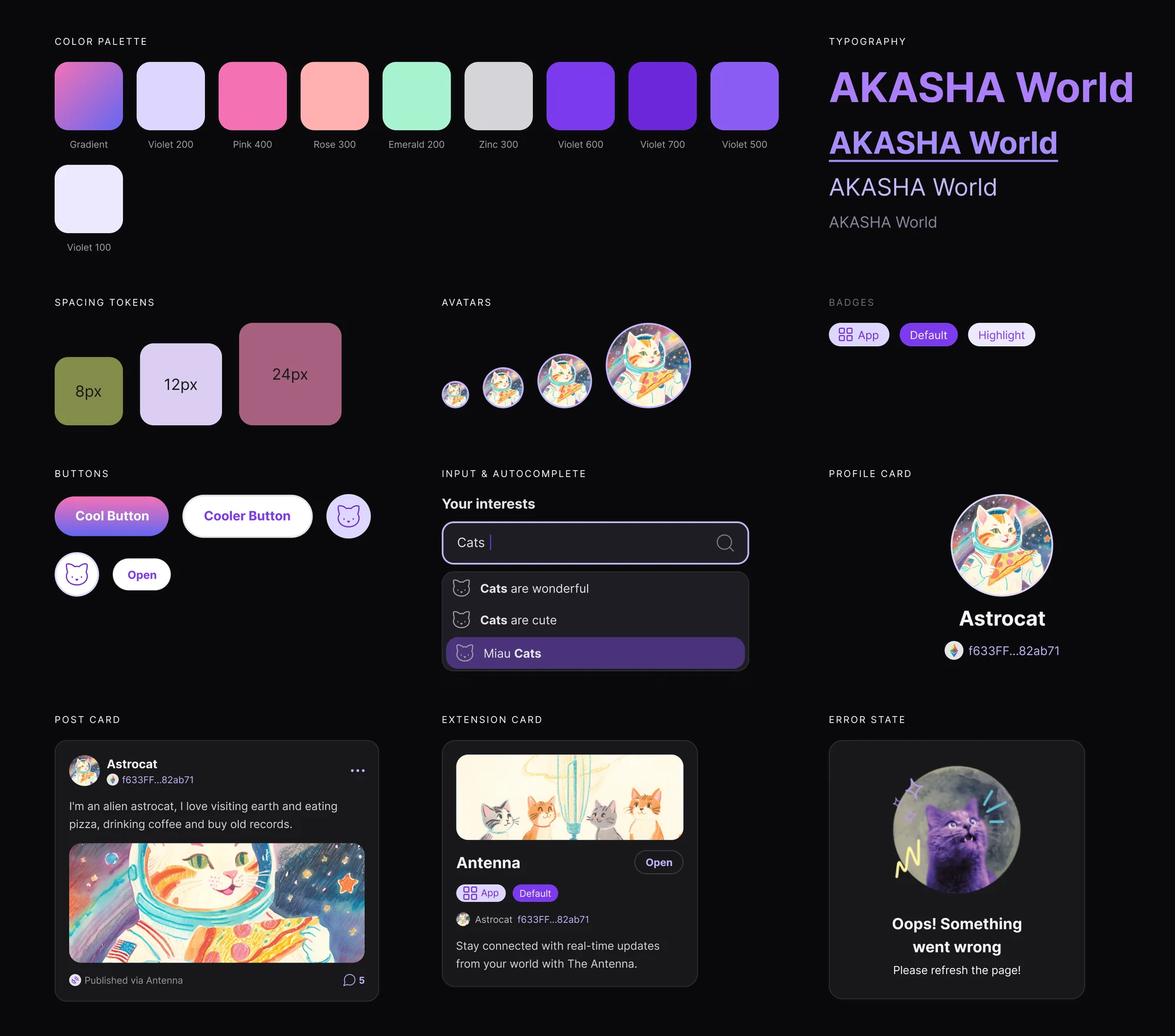
RareAn open-source component library for the AKASHA World apps.
Deploy a decentralized world without writing a line of code.
One white-label platform for banks. Four products, 20+ languages.
Seven real projects, each a card. Open one for the whole story: the challenge, what I led and what shipped.
After the collection: The PurrcadePrimary designer across a tokenized finance suite: three design systems, three products, English and Arabic RTL.
Eight composable apps. One coherent social platform you own.
RareAn open-source component library for the AKASHA World apps.
Deploy a decentralized world without writing a line of code.
 Uncommon
Concept, identity, IA, design and handoff. One two-week sprint.
One white-label platform for banks. Four products, 20+ languages.
Four automotive products, two brands, one bidirectional configurator.
No cards in that category yet. Try another filter.
Tiny games. Big meow energy.
A playful corner of my portfolio for things I build just because they're fun.
404 · Card not found
The page may have moved. The case studies, products and everything else are one click away.
The person behind the pixels.
Lead Product Designer with 12+ years turning complicated products into experiences people actually understand.
I've shipped white-label banking platforms, decentralized apps, car configurators, e-commerce, taxation tools, education platforms and travel apps. My strength is working through complex projects with many stakeholders and little documentation.
Generalist by nature, with deep design systems expertise. I lead end-to-end, from strategy to pixel, and I build and ship my own products on the side.
Primary designer across the product suite (TFM, Dashboard, Bahith) plus website pages, booth materials and decks: product UX, design systems, marketing material, in English and Arabic RTL. Three design systems built with AI and agents, one from scratch and two derived from existing designs; sales and key-partnership decks; templates for the business team: slides, documents and official documents.
End-to-end UX for a decentralized social platform, design team lead, design system ownership, foundation events.
Four white-label fintech products: PFM, Engager, BFM, ESG dashboard. Brandable, localizable, accessible component system.
Digital experiences for a global education platform.
Configurator (RTL and LTR), unified search, aftersales research, CUPRA Traveller.
Design systems, MVPs and investor proposals for startups across fintech, SaaS, Web3 and enterprise. Mentoring junior designers.
Taught JavaScript to master's students.
Design systems, plugins and AI workflows built to remove friction from making good products. Some save clicks. Some change the way I work.
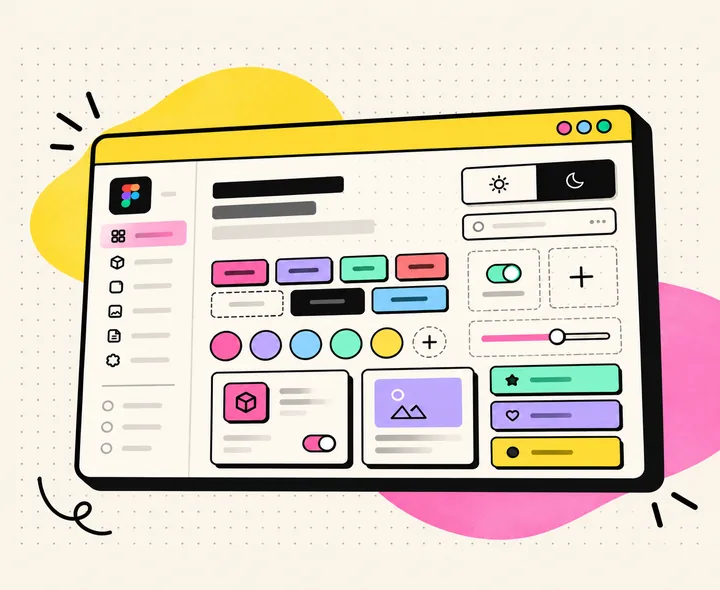
For designers who want a shadcn-style neo-brutalist system with real tokens.
Start a bold interface in minutes with components that already carry variables, modes and states, instead of hardcoded values you have to untangle later.
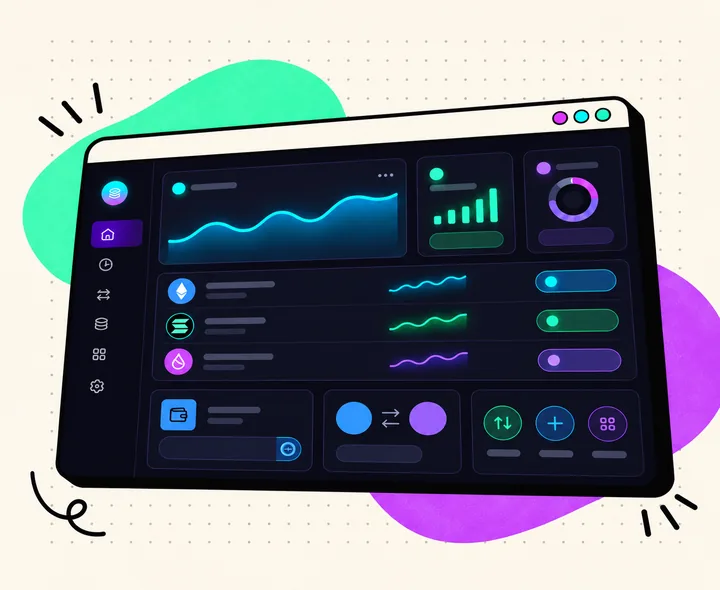
For teams building DeFi and Web3 finance products.
Skip the first month of a DeFi product's design: token cards, swap and transaction flows, wallet connect and dashboards, in dark and light, with numbers that line up.
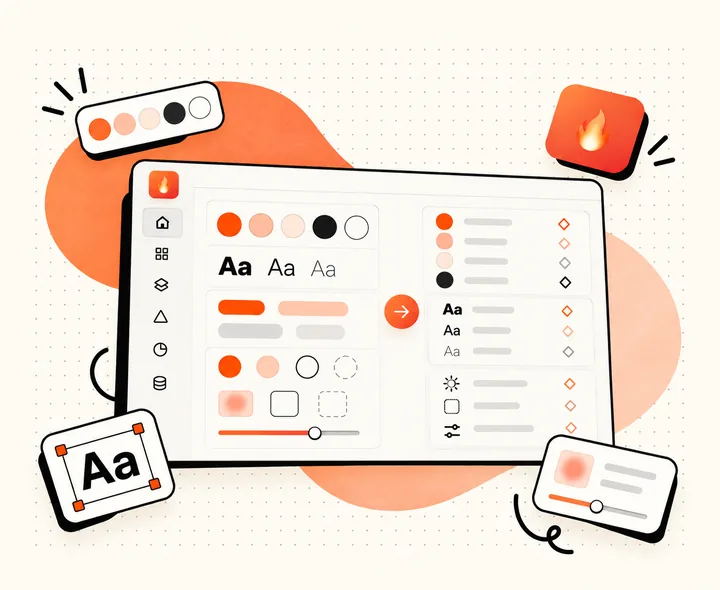
For design system owners migrating existing styles to Figma Variables.
Turn the styles already in your file into Figma Variables in hours, not days. No AI credits: Forge reads what is in your library and works from that.
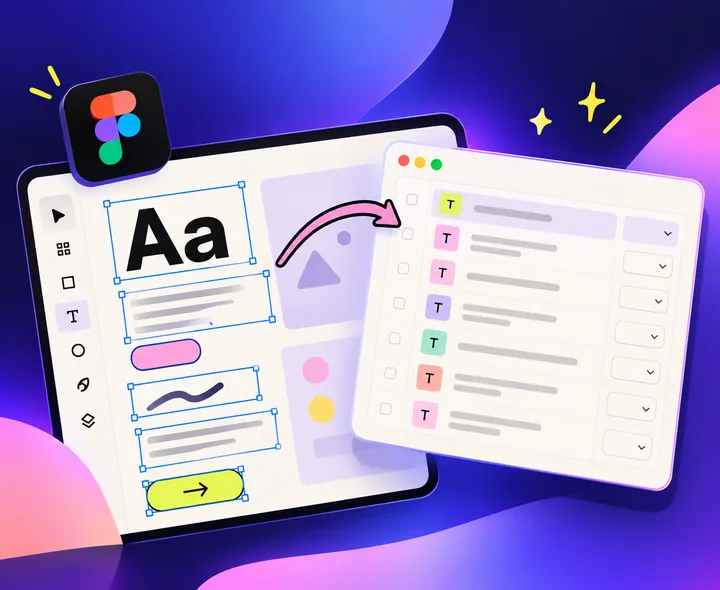
For designers and writers editing copy across a frame.
Edit every string in a frame from one table and write it back to the layers. No more clicking through nested text layers one by one.
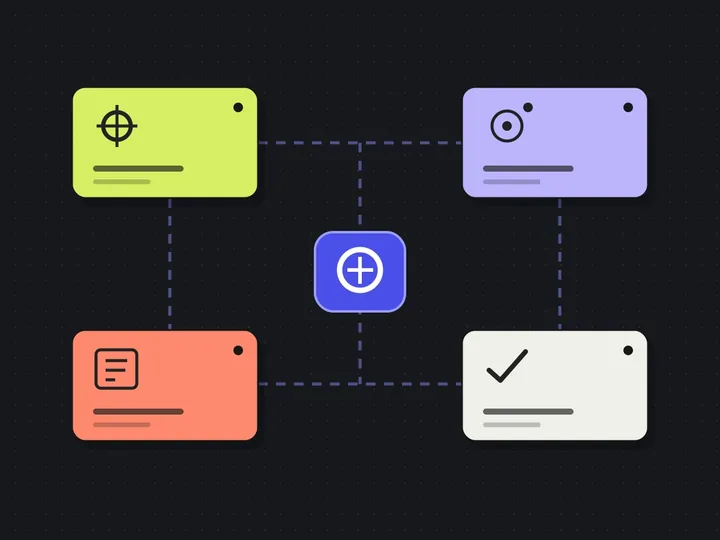
Four specialized agents. One smarter design workflow.
A coordinated AI-assisted product design workflow connecting UX investigation, Figma-ready design planning and independent quality assurance.
Lead Product Designer 12+ years
I lead complex digital products from strategy to shipping: platforms, fintech, design systems and zero-to-one work, with AI in the workflow and craft intact.
Primary designer across Oumla's tokenized finance suite on a part-time contract: product UX, design systems and marketing material, delivered bilingually in English and Arabic RTL.
Primary designer across the product suite: three design systems, three products, English and Arabic RTL.
TFM (trading, approval and settlement flows, TFM Design System), Oumla Dashboard (role-based access control, Dashboard Design System), Bahith (blockchain explorer, design system rebuilt from tokens up). Website pages for the revamp, booth materials, sales deck, investor deck, SAB booth deck, NHC/Sakani presentations, DDQ responses, and templates for the business team (slides, documents, official documents).
Led design across 8 composable apps and the open-source AKASHA UI.
Design team lead, design system ownership, four foundation events (ETHBucharest, ETHCluj, ETHDam, ETHWarsaw). World Builder and Etherlaken shipped from the same seat.
Four white-label fintech products for banks, 20+ languages, LTR and RTL.
PFM, Engager, BFM and the ESG dashboard on one brandable, localizable, accessible component system. Insight campaigns launched in about 2 minutes instead of weeks.
Digital experiences for a global education platform.
Bidirectional car configurator, unified search, aftersales research, CUPRA Traveller.
Design systems, MVPs and investor proposals across fintech, SaaS, Web3 and enterprise.
Taught JavaScript to master's students.
English, Spanish, Arabic, Catalan
Spain, working worldwide, remote-first. Open to full-time roles and contracts.
Want the full story? hey@basma.design or the seven case studies.